

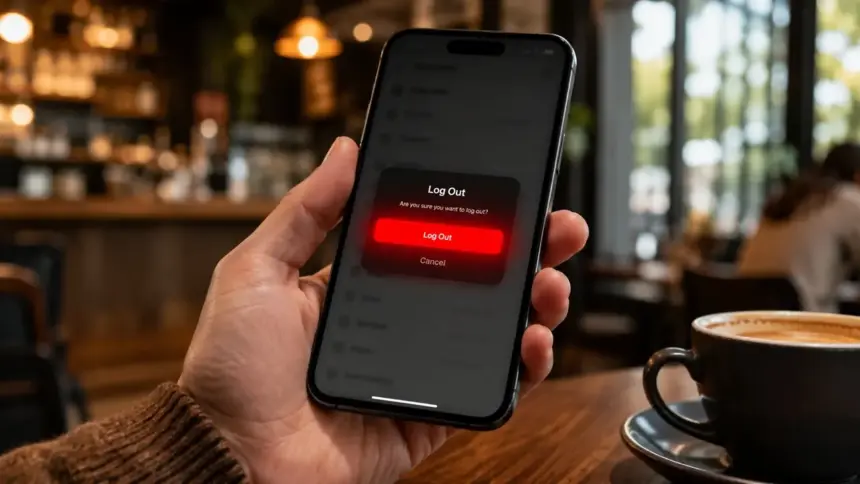
For years, WhatsApp users have had one major complaint: there was never a simple button to log out of the app. If you wanted to disconnect from WhatsApp temporarily, you had to completely uninstall the app or clear all app data, which often risked losing your precious chat history. But finally, knowing how to log out of WhatsApp is becoming a reality with the latest update.
According to recent reports from beta testers in May 2026, Meta is officially rolling out a native “Log Out” button. This game-changing feature allows you to sign out of your account seamlessly without losing your login data, making it easier than ever to manage your privacy or switch between multiple accounts on the same device.
Why the WhatsApp Log Out Feature is a Big Deal
Until now, maintaining digital wellbeing or hiding your online status meant resorting to third-party apps or completely deleting WhatsApp. The new native log out option changes everything. Whether you are taking a break from work messages on the weekend or just want to go completely offline without deleting the app, knowing how to log out of WhatsApp will give you ultimate control over your privacy.
This update is currently spotted in the Android beta version 2.26.21.9. When you use the log out button, your chat history remains safely encrypted and stored on your device. When you decide to log back in, you won’t need to restore massive backups from Google Drive—you just enter your PIN or use biometric authentication, and you are instantly back in.
Step-by-Step: How to Log Out of WhatsApp (Beta Update)
If you are enrolled in the WhatsApp Beta program or waiting for the stable public release, here is how to log out of WhatsApp once the feature is active on your device:
- Step 1: Open WhatsApp and tap on your Profile icon or the three-dot menu in the top right corner.
- Step 2: Navigate to the Settings menu.
- Step 3: Tap on the Account section.
- Step 4: Scroll down to find the new Log Out option (right below ‘Delete Account’).
- Step 5: Confirm your choice. You will instantly be logged out of your active session.
For more tips on mastering your smartphone privacy and security, check out our guide on the best smart home security devices.
When Will Everyone Get This Feature?
Currently, the feature is rolling out in phases to Android beta users. Historically, features tested in the beta channel take about 3 to 4 weeks to reach the stable version on Google Play Store and Apple App Store. Expect a global rollout very soon.
The Bottom Line
Meta is finally listening to user feedback. The ability to simply log out has been the most requested feature for almost a decade. Understanding how to log out of WhatsApp natively will not only improve user privacy but also make managing multiple WhatsApp accounts on dual-SIM phones much easier without relying on app-cloning features.
FAQs
Will logging out of WhatsApp delete my chat history?
No. The new native log out feature is designed to keep your chat history and media safe on your device. Knowing how to log out of WhatsApp means you are only ending your active session, not deleting your data.
Is the WhatsApp log out feature available on iPhone?
Currently, the feature has been spotted in the Android beta version (2.26.21.9). However, WhatsApp always brings its major updates to iOS shortly after Android, so iPhone users can expect it very soon.
Do I need to restore my backup when I log back in?
No. Unlike reinstalling the app, logging back in after using the native log out button will not require you to download your massive cloud backup. Your chats will be exactly where you left them, which makes learning how to log out of WhatsApp incredibly convenient.