

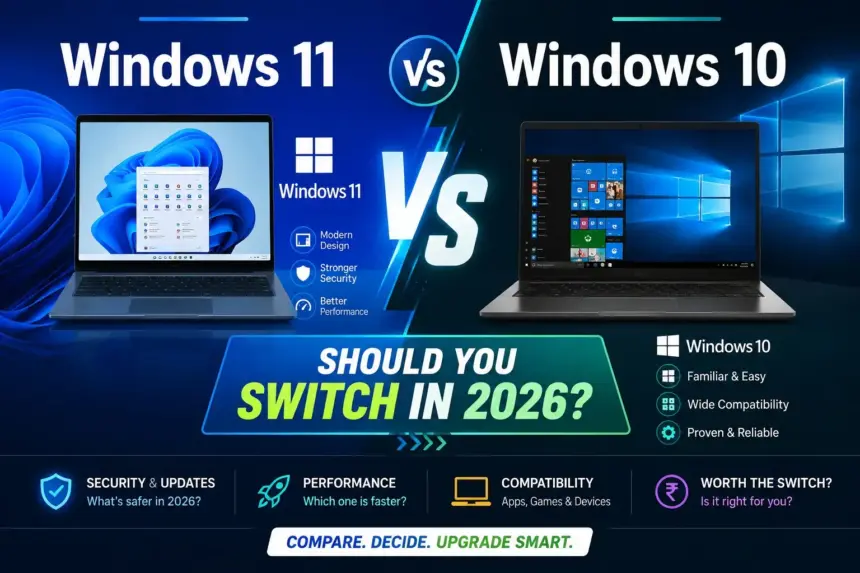
Microsoft officially ended support for Windows 10 in October 2025 — meaning no more security updates, no bug fixes, and no new features. So the big question is: Windows 11 vs Windows 10 — which is better, and should you make the switch in 2026?
In this article, we compare both operating systems across performance, gaming, design, features, security, and compatibility — so you can make the right decision.
Windows 10 Support Has Ended — What Does It Mean?
On October 14, 2025, Microsoft reached the End of Life for Windows 10. This means:
- No more security patches or updates
- No bug fixes
- No new features
- Security vulnerabilities will remain unfixed permanently
If you are still running Windows 10 in 2026, your PC is at a genuine security risk. This alone is the strongest reason to upgrade.
Windows 11 vs Windows 10 — Full Comparison
1. Design and Interface
Windows 11 brings a completely refreshed look — the Start Menu has moved to the center, corners are rounded, and the overall interface feels modern and clean. The Taskbar has been simplified and the Notification Center has been redesigned.
Windows 10 had the classic left-aligned Start Menu and a familiar taskbar layout that most users were comfortable with — especially those coming from Windows 7 or 8.
Winner: Windows 11 — cleaner, more modern design. Though it takes some adjustment time.
2. Performance
Windows 11 features improved memory management — foreground apps get higher RAM priority, which makes the system feel more responsive. On modern hardware, Windows 11 is noticeably faster for gaming and heavy multitasking.
However, on older hardware with limited RAM or an HDD, Windows 10 still feels smoother and less demanding.
Winner: Windows 11 on modern PCs. Windows 10 on older, low-spec machines.
3. Gaming Performance
Windows 11 introduces DirectStorage — a technology that dramatically reduces game loading times on supported titles, delivering 2-3x faster load speeds. The Auto HDR feature automatically enhances visuals in supported games without any manual setup.
Neither of these features is available on Windows 10. If you are a gamer, Windows 11 is the clear choice.
Winner: Windows 11 — no competition for gaming.
4. Features
Windows 11 exclusive features:
- Snap Layouts — quickly arrange multiple windows on screen
- Android app support via Amazon Appstore
- Microsoft Teams integration built-in
- DirectStorage for faster game loading
- Auto HDR for enhanced gaming visuals
- Widgets panel for quick news and updates
- Improved Virtual Desktops
- Microsoft Copilot AI assistant built-in
Windows 10 does not have any of these features — and since support has ended, no new features will ever be added.
Winner: Windows 11 — significantly more features.
5. System Requirements
This is Windows 11’s biggest limitation. The minimum requirements are:
- 64-bit processor — 1GHz or faster, 2 cores minimum
- 4GB RAM minimum (8GB recommended)
- 64GB storage minimum
- TPM 2.0 chip required
- UEFI firmware with Secure Boot enabled
Many older PCs do not have a TPM 2.0 chip, which means Windows 11 cannot be officially installed. This is where Windows 10 had a clear advantage — it ran on almost any hardware.
Winner: Windows 10 — runs on older hardware without restrictions.
6. Security
The TPM 2.0 requirement in Windows 11 enables hardware-level security that makes the system significantly more resistant to phishing, malware, and ransomware attacks.
Windows 10’s security support ended in October 2025. Running it in 2026 means your PC will never receive patches for newly discovered vulnerabilities — a serious risk for any user.
Winner: Windows 11 — no contest on security.
7. Software Compatibility
Almost all Windows 10 software runs perfectly on Windows 11. Only very old software — typically 10+ years old — may face compatibility issues. For modern everyday apps, there is no practical difference.
Winner: Tie — both handle modern software equally well.
Quick Comparison Table
| Feature | Windows 11 | Windows 10 |
|---|---|---|
| Design | Modern, Clean | Classic, Familiar |
| Performance (New PC) | Better | Good |
| Performance (Old PC) | Heavier | Smoother |
| Gaming | DirectStorage + Auto HDR | Basic |
| Security Updates | Yes — ongoing | No — ended Oct 2025 |
| AI Features | Copilot built-in | None |
| Hardware Requirement | TPM 2.0 required | Works on old PCs |
| Free Upgrade | Yes (eligible PCs) | N/A |
| Support Status | Active | Ended — Oct 2025 |
Should You Switch to Windows 11?
Yes, switch if:
- Your PC was made after 2018
- You are a gamer — DirectStorage makes a real difference
- You take security seriously
- You want access to the latest AI features like Copilot
- Your PC is confirmed Windows 11 compatible
Wait or skip if:
- Your PC is from before 2015 or does not have TPM 2.0
- You rely on specific legacy software that does not run on Windows 11
- Your PC has only 4GB RAM — upgrade the RAM first
How to Upgrade to Windows 11 for Free
If your PC is compatible, Windows 11 is completely free to upgrade:
- Go to Start → Settings → Windows Update → click “Check for Updates”
- If eligible, you will see “Windows 11 is ready for this PC”
- Click Download and Install — takes approximately 30-45 minutes
- All your files, apps, and settings will be preserved
If the update does not appear, download the PC Health Check tool from Microsoft’s official website to check your PC’s compatibility.
FAQs — Windows 11 vs Windows 10
Will I lose data when upgrading from Windows 10 to Windows 11?
No — upgrading preserves all your files, apps, and settings. That said, it is always a good practice to back up your data before any major OS upgrade.
Can I still use Windows 10 in 2026?
Technically yes — but security updates have ended. This means your PC will not be protected against new security threats. Upgrading is strongly recommended.
Is Windows 11 slower than Windows 10?
On modern hardware, Windows 11 is actually faster. Only on older, low-spec PCs does Windows 11 feel slightly heavier than Windows 10.
Is Windows 11 better for gaming?
Yes — DirectStorage and Auto HDR are Windows 11 exclusive features that significantly improve gaming performance and visuals on supported titles.
Final Verdict
In 2026, Windows 11 is clearly the better operating system — better security, better gaming performance, better features, and built-in AI integration. Windows 10’s support has ended and using it is a genuine security risk.
If your PC is compatible, upgrade today for free — there is no good reason to stay on Windows 10 anymore.
If your older PC cannot run Windows 11, it is a strong signal that a hardware upgrade is overdue — and there are excellent laptops available under ₹50,000 that come with Windows 11 pre-installed.
Have questions about upgrading to Windows 11? Drop them in the comments below!
Also read: Best Laptops for Students Under ₹50,000 in 2026 | How to Speed Up Your Android Phone in 2026 | More How-To Guides on TechVerma